
RACER'S SPACE
Find here all the useful information for Consult and manage your registration in the simplest way possible.

Check your registration
Transfer your bib number

Change the distance
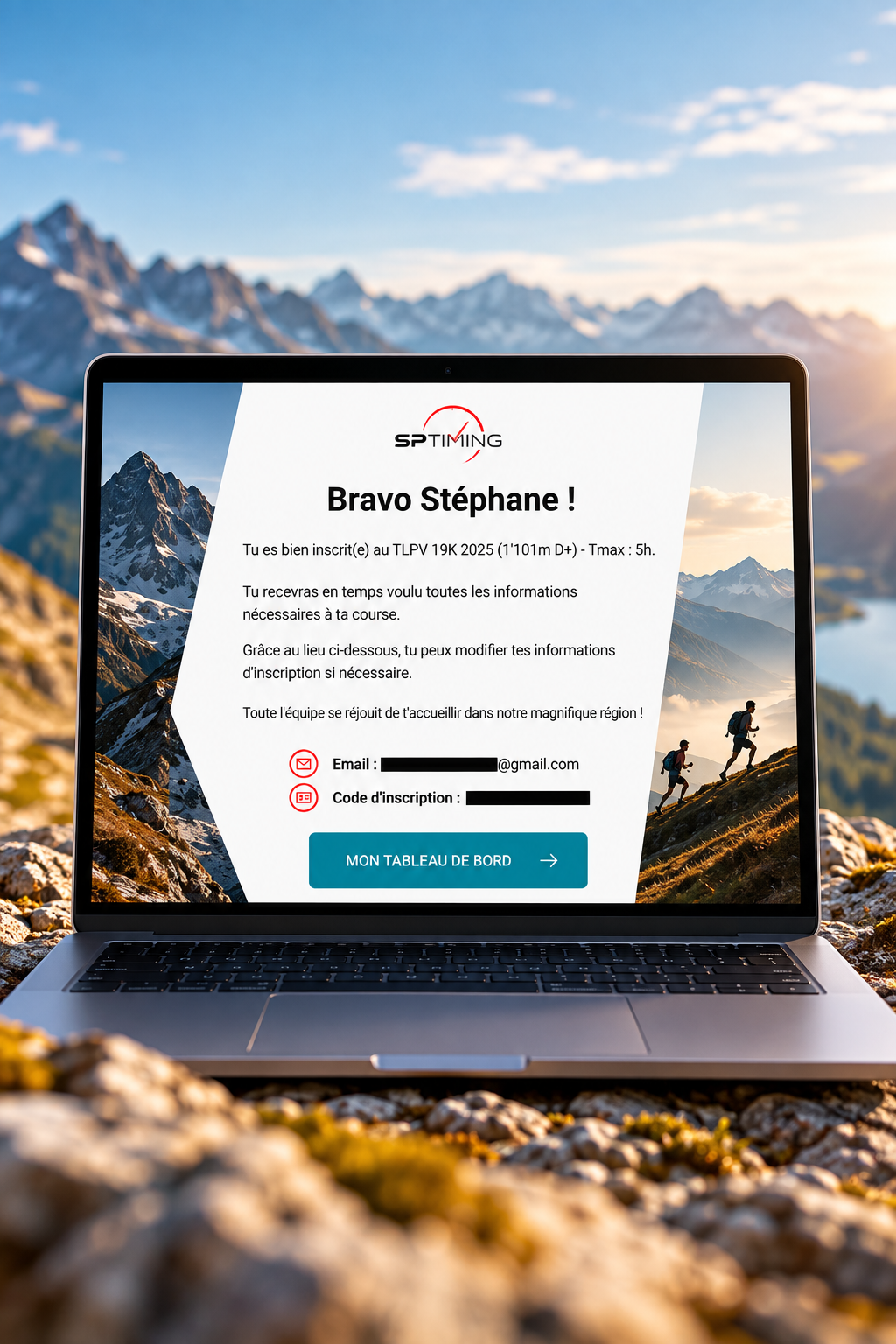
Where can I find my running dashboard?
After your registration, you will automatically receive a Confirmation email of registration.
This email contains a personal link that allows you to access your account directly. dashboard runner.
👉 Click on «MY BOARD» from your confirmation email.
Didn't you receive your email? Please check your Spam/Unwanted Mail folder.
⚠️ Please keep this email safe: your link is personal and will allow you to return at any time to your registration.
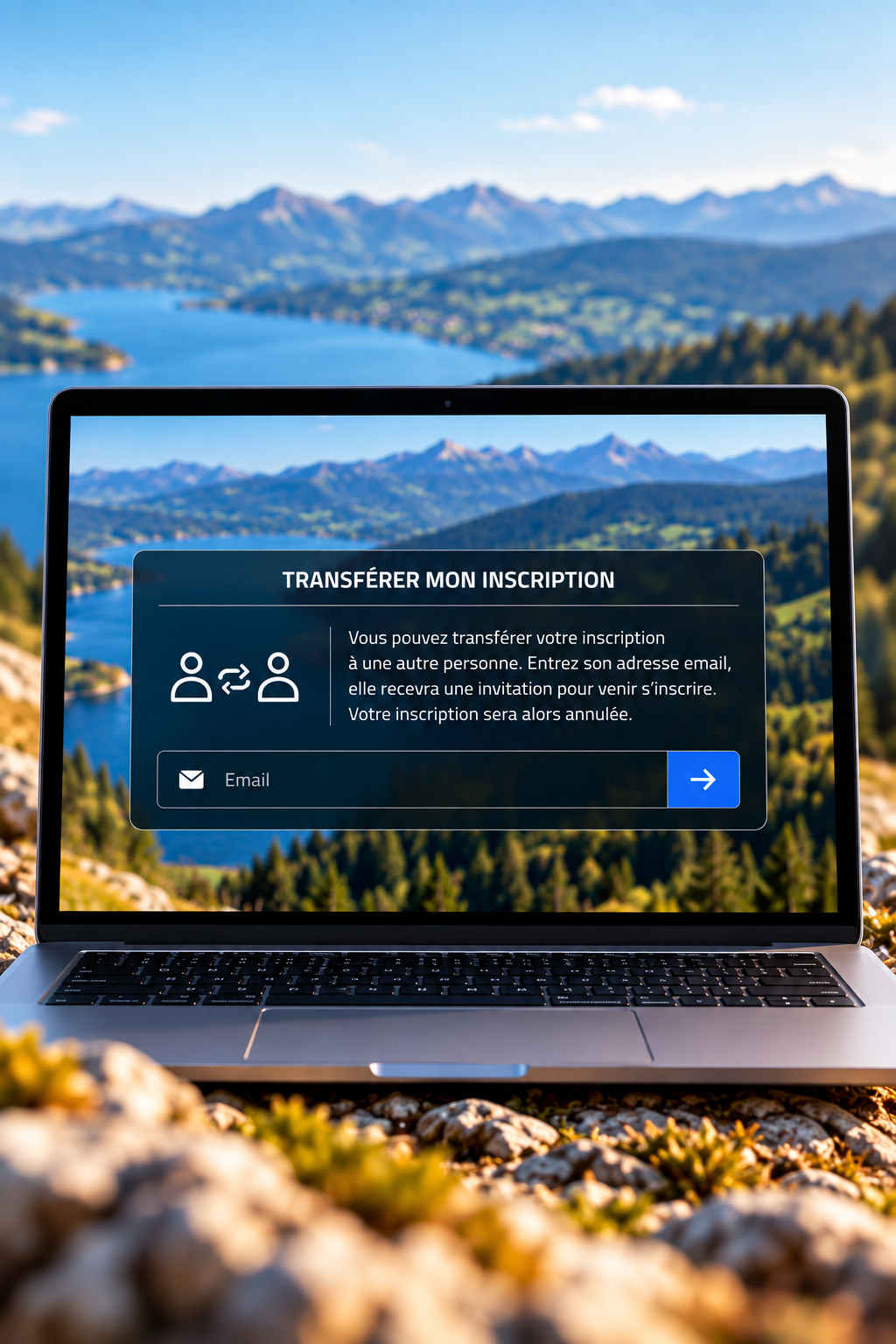
How do I transfer my bib number to another runner?
You ultimately cannot participate? If the event organizer allows transfers, you can transfer your registration to another person directly from your dashboard.
How to do it?
- Access your running dashboard.
- Click on the option «Transfer my registration».
- Enter the email address of the person to whom you wish to transfer your registration.
The new runner will then receive an email allowing him/her to complete their own information and finalize the transfer.
⚠️ Attention: Transfer is only possible during the period defined by the event organizer.
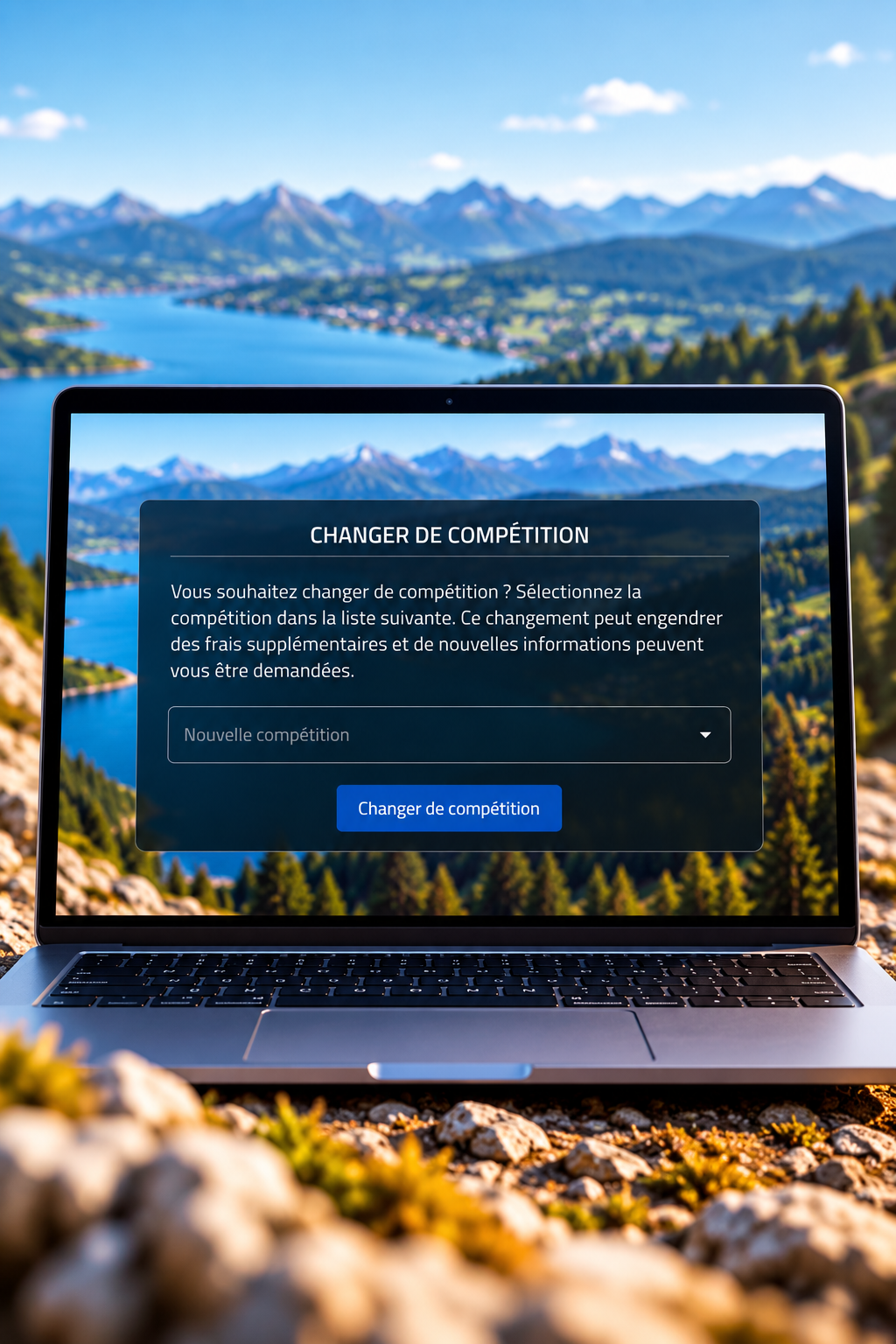
How to change the distance?
Do you wish to participate in another distance of the same event? When the organizer allows it, you can request the change directly from your runner dashboard.
How to do it?
- Access your running dashboard.
- Click on the option «Change competition».
- Select the new race or distance you want.
💳 Price difference: if the new fare is more expensive, you will have to pay the difference to confirm your change. You will automatically receive an email containing a payment link allowing you to pay this difference.
⚠️ The change of course is subject to available seats and the conditions set by each event.
 French
 English
 German
 Italian